 HongYang Tech
Computers & Peripherals
We plan business computers, servers, networks and storage based on user count, workload, existing equipment and budget. We also provide computer maintenance.
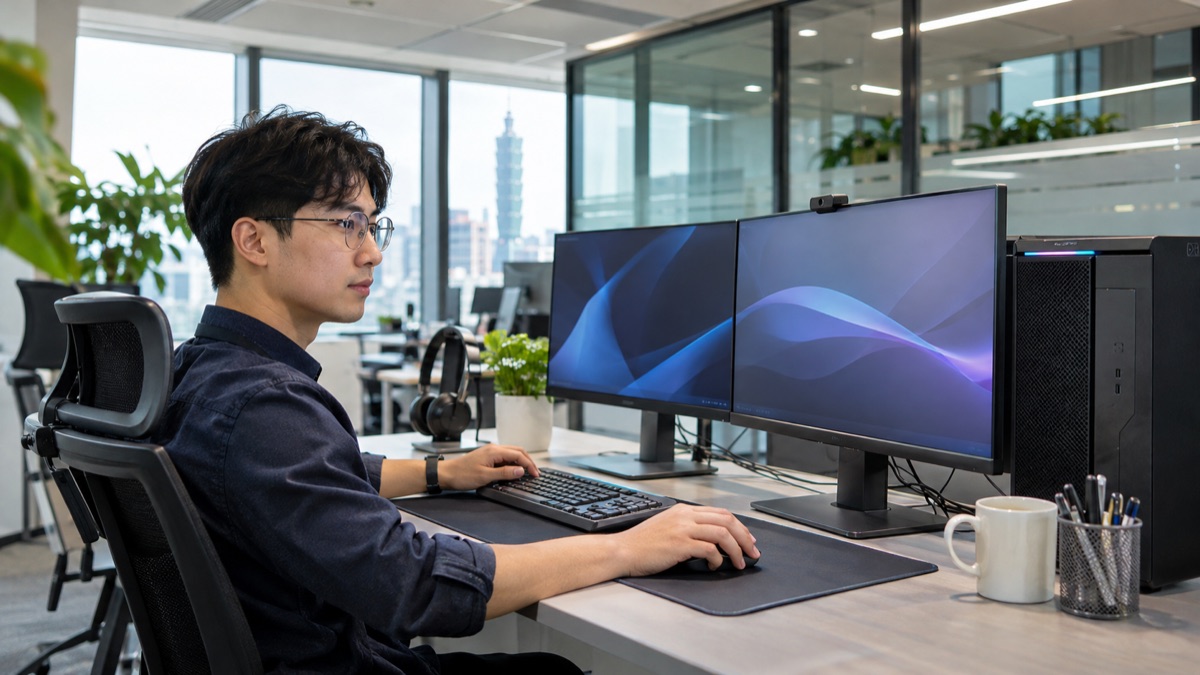
Equipment Planning and Maintenance
Servers and Workstations
We assess processors, memory, graphics and storage for file sharing, business applications, design and media editing. Planning can also account for cooling, expansion and replacement schedules.
Computers and Peripheral Equipment
We match desktops, laptops, monitors and printers to office, reception and multi-monitor work. Check operating systems, ports and existing software for compatibility before purchasing.
Data Storage and Backup
We size storage based on current data, expected annual growth and sharing needs. We also review departmental permissions, backup frequency and recovery requirements for shared files, project media or storage upgrades.
ERP Planning
We review purchasing, sales, inventory and daily workflows along with user counts, data sources and integrations to determine ERP hardware, software and rollout scope.
Network Equipment
We assess routers, switches and wireless access points based on office layout, device counts and coverage needs. For new sites or upgrades, we also review ports, bandwidth and compatibility.
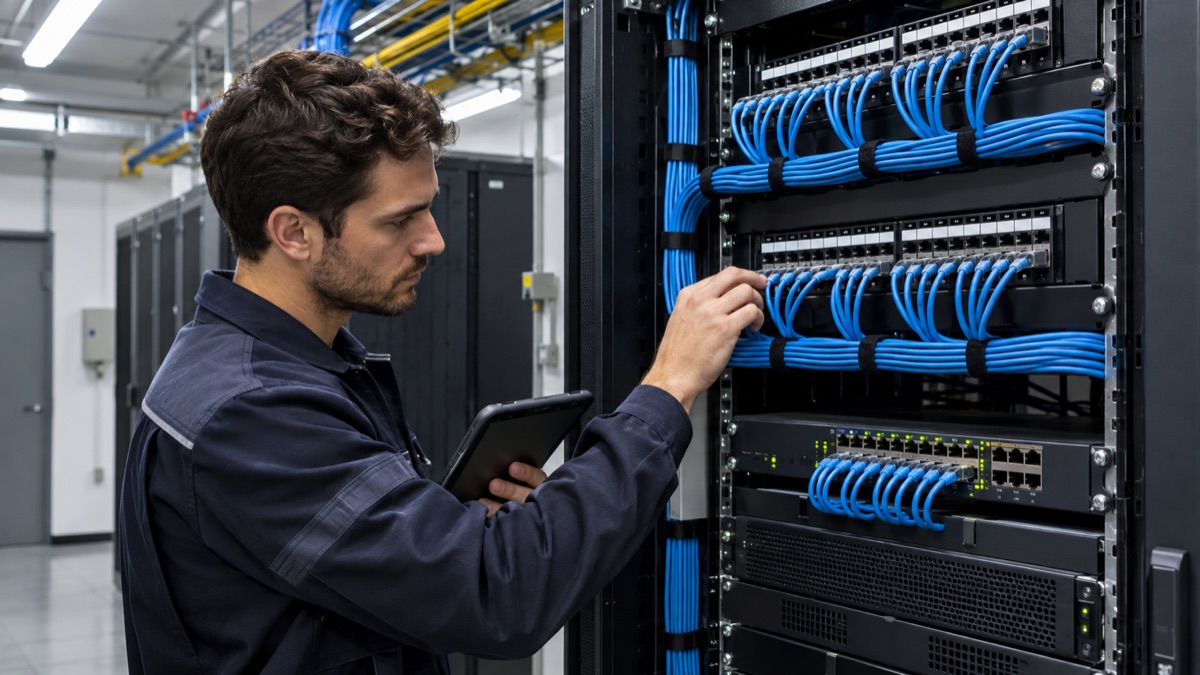
Computer Maintenance
We diagnose boot failures, slow performance and peripheral problems, then assess part replacement, updates or equipment replacement. Before requesting service, note when the issue began, error messages and recent changes, and check your backups.
What to Prepare for a Quote or Repair
For purchases or upgrades, share user counts, main software, existing equipment and budget. For repairs, share the device model and symptoms so we can identify what to check.